Figma is Not Needed Anymore: Why AI is Making Traditional Design Tools Obsolete in 2025
Published by abyss.singh on
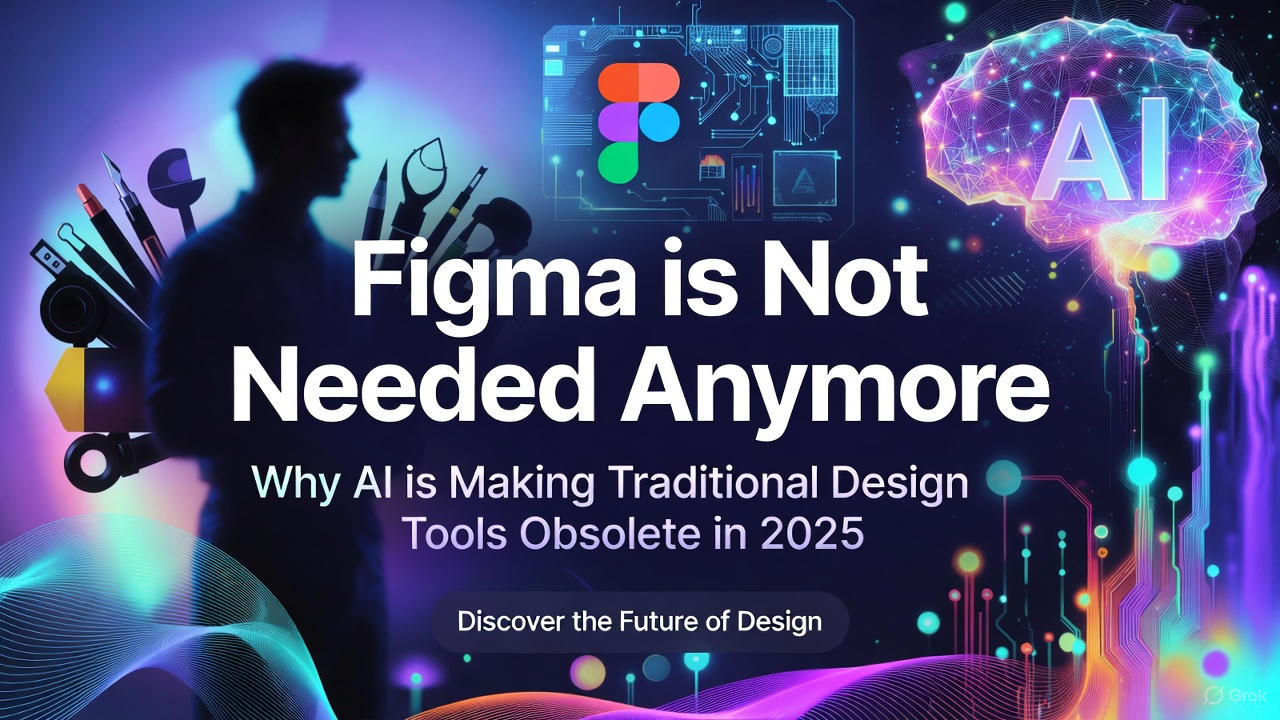

Figma is Not Needed Anymore: Why AI is Making Traditional Design Tools Obsolete in 2025
It’s December 16, 2025, and the design world is undergoing its biggest disruption since Figma itself dethroned Sketch a decade ago. Back then, we celebrated collaborative, browser-based design that ended endless file versions and plugin headaches. Today, we’re on the cusp of something far more radical: eliminating pixel-perfect design tools like Figma entirely from many workflows.
Provocative? Absolutely. Impossible? Not anymore. With frontier AI models and specialized tools advancing at breakneck speed, the classic “sketch → wireframe → high-fidelity in Figma → developer handoff” pipeline is collapsing. We’re jumping straight from rough ideas—hand-drawn on paper, scribbled in Balsamiq, or even described in text—to production-ready frontend code. No weeks spent nudging pixels in Figma. No endless component libraries to maintain. Just ideas → code → iteration.
Here’s why Figma, for many teams and projects (especially startups, MVPs, and internal tools), is no longer essential.
The Old Way: Trapped in the Figma Loop
Remember the ritual?
- Sketch/Wireframe: Quick ideas on paper or low-fi tools.
- Import to Figma: Redraw everything digitally, create variants, auto-layout hell.
- High-Fidelity Design: Hours (days? weeks?) polishing colors, typography, interactions, responsive variants.
- Handoff: Export specs, pray devs interpret correctly, fix endless back-and-forth.
This process made sense when AI couldn’t understand context or generate clean code. But it also created bottlenecks: designers spending 70% of time on production rather than ideation, bloated files, version conflicts, and handoff friction that delayed launches.
The New Way: Sketches Straight to Deployable Code
In 2025, AI tools have closed the gap. The workflow looks like this:
- Create Rough Sketches/Wireframes Use whatever feels fastest:
- Pen and paper (yes, really)
- Balsamiq for quick digital lo-fi
- Excalidraw or tldraw for collaborative whiteboarding
- Even simple text descriptions
- Feed to AI Generator Upload your sketch (photo or digital) or describe it, and AI instantly creates:
- Editable high-fidelity screens or
- Directly production-ready frontend code (React, Tailwind, HTML/CSS, etc.)
- Apply Brand Guidelines Most tools let you inject your brand kit (colors, typography, components) either upfront or post-generation. Tweak the output code or UI minimally.
- Deploy & Iterate Push to Vercel/Netlify, test with users, feed feedback back to AI for rapid variations.
No Figma file required. Ever.

The Tools Making This Possible (Right Now in 2025)
Here are the standout players proving this workflow works today:
1. v0 by Vercel
Vercel’s AI powerhouse generates Shadcn/UI + Tailwind components from text prompts and image uploads. Snap a photo of your hand-drawn sketch, upload it, add a prompt like “Make this responsive with dark mode support,” and v0 spits out clean, deployable React code in seconds. Deploy directly to Vercel with one click. It’s become the go-to for solo founders and small teams shipping MVPs in days, not months.
2. Uizard
The OG of sketch-to-UI. Photograph your paper wireframes, upload, and Uizard’s AI converts them into editable digital prototypes. From there, export to clean frontend code (React, HTML/CSS) or integrate with your design system. In 2025 updates, it’s faster and more accurate than ever, handling complex layouts and interactions with minimal cleanup.
3. Google’s Stitch (Labs)
Launched in 2025, Stitch takes text descriptions or images (sketches, screenshots) and generates complete UI designs plus frontend code. It’s particularly strong at understanding context and producing accessible, responsive outputs out of the box.
Honorable Mentions
- tldraw’s “Make Real”: Draw wireframes on an infinite canvas, hit the AI button, get live interactive HTML.
- Galileo AI + Codia.ai: Text-to-design-to-code pipelines with strong brand consistency.
- UX Pilot and others: Emerging tools focused purely on developer-friendly outputs.
These aren’t toys—they’re producing code that real teams ship to production.
Why This Workflow Wins
- Speed: From idea to working prototype in hours, not weeks. Perfect for startups validating concepts fast.
- Accessibility: Non-designers (founders, PMs, devs) can create decent UIs without learning Figma’s complexity.
- Focus on What Matters: Designers spend time on user research, strategy, and iteration—not pixel nudging.
- Reduced Handoff Friction: Code is the handoff. Devs get clean, modern stacks (Tailwind, Shadcn) they actually want to work with.
- Cost Savings: Fewer designer hours on production work, smaller teams needed.
Why This Workflow Wins
- Speed: From idea to working prototype in hours, not weeks. Perfect for startups validating concepts fast.
- Accessibility: Non-designers (founders, PMs, devs) can create decent UIs without learning Figma’s complexity.
- Focus on What Matters: Designers spend time on user research, strategy, and iteration—not pixel nudging.
- Reduced Handoff Friction: Code is the handoff. Devs get clean, modern stacks (Tailwind, Shadcn) they actually want to work with.
- Cost Savings: Fewer designer hours on production work, smaller teams needed.
But… Is Figma Really Dead?
Not entirely. There are still cases where Figma shines:
- Complex design systems for large enterprises
- Highly custom illustrations/animations
- Teams needing pixel-perfect control for brand-heavy consumer apps
- Collaborative polishing with stakeholders who expect “pretty” mocks
For many projects—especially digital products where “good enough + fast iteration” beats “pixel perfect + slow”—Figma is becoming optional overhead.

The Future: Design as Prompt Engineering + Judgment
The role of “designer” isn’t disappearing—it’s evolving. Tomorrow’s best designers will be masters of:
- Crafting precise prompts/sketches
- Curating AI outputs (taste and judgment still irreplaceable)
- Understanding code enough to guide AI toward maintainable outputs
- Focusing on user empathy and business impact
Tools like Figma will stick around for specific needs, just like Sketch and Photoshop didn’t vanish overnight. But for the majority of web/app development in 2025? We’re already past peak Figma.
If you’re still spending weeks in Figma files for every project, try this: Next time, sketch on paper, upload to v0 or Uizard, and see how far you get. You might never go back.
What do you think—is Figma still essential in your workflow, or are you already bypassing it with AI? Share in the comments.
#AIDesign #UXDesign #FrontendDevelopment #NoCode #WebDev #DesignTools #Vercel #Uizard #FutureOfDesign